![27067777_10155770309551084_2652624411171450813_n.png]](https://support.doradosoftware.com/hs-fs/hubfs/27067777_10155770309551084_2652624411171450813_n.png?height=40&name=27067777_10155770309551084_2652624411171450813_n.png)
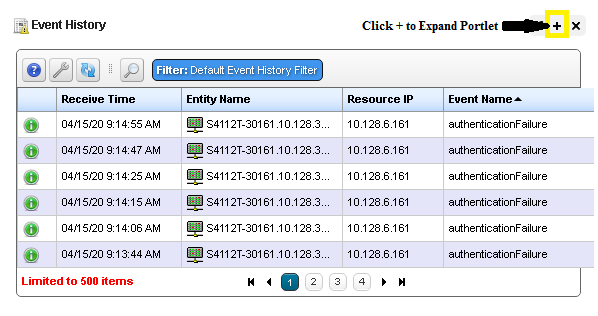
All portlets have an "expand" option.
Click on the + sign in the upper right corner of each portlet.
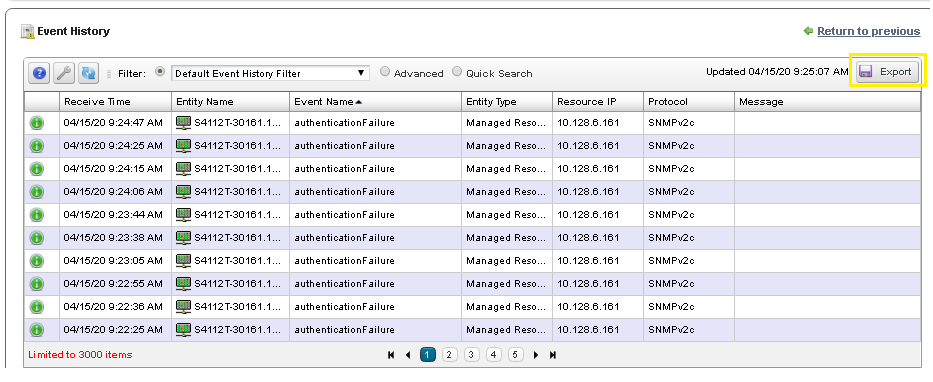
This example is for Event History Portlet.
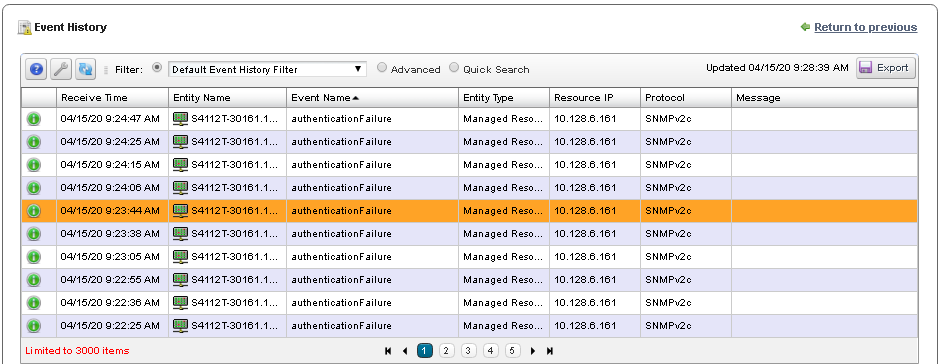
The Event History Portal Opens up in Expand Mode
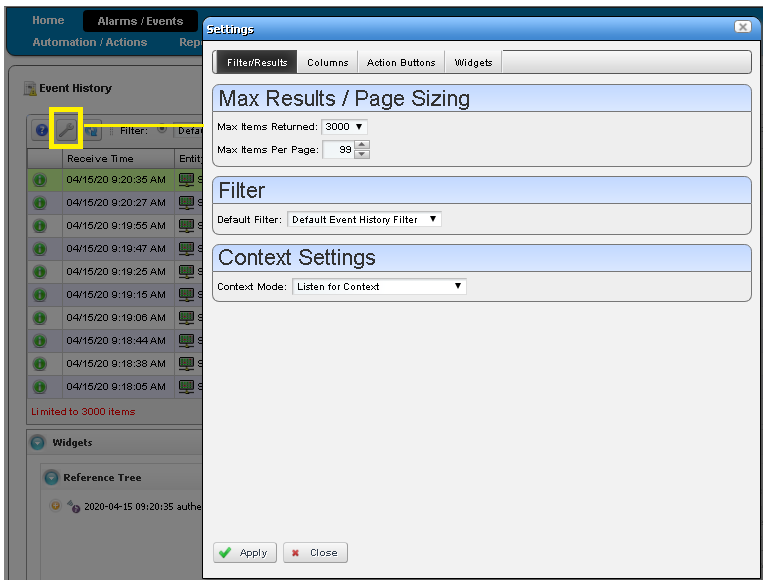
Wrench Icon - Settings
Click on the Wrench Icon in the upper right corner to open the Settings window.
Max Results / Page Sizing
- Max Items Returned = Max is 3000
- Max Items per page = Max is 99
Export Options
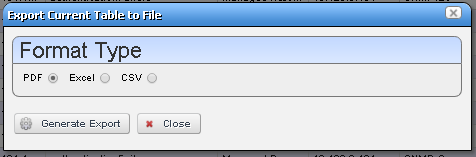
You can easily export your data by clicking on the Export button.
Format Type
Select your preferred format type and Save the file to your disk.