![27067777_10155770309551084_2652624411171450813_n.png]](https://support.doradosoftware.com/hs-fs/hubfs/27067777_10155770309551084_2652624411171450813_n.png?height=40&name=27067777_10155770309551084_2652624411171450813_n.png)
Run Action from the device to display uplink ports on any N20xx.
Resources > Managed Resources > Right-click on N2xxx > Actions

Select Dell EMC Networking OS6 Show

Click > Continue
Input Tab
Select Command > lldp interface all
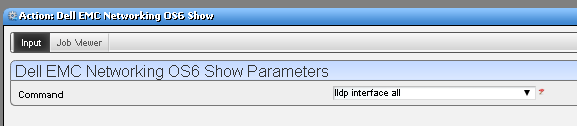
Click > Execute
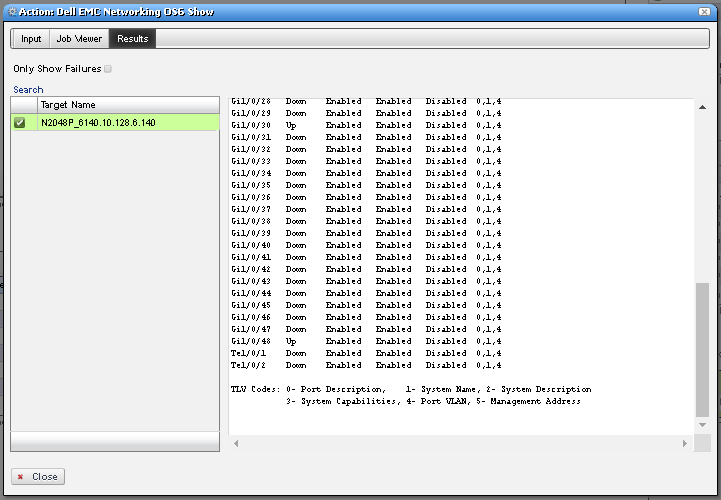
Results