![27067777_10155770309551084_2652624411171450813_n.png]](https://support.doradosoftware.com/hs-fs/hubfs/27067777_10155770309551084_2652624411171450813_n.png?height=40&name=27067777_10155770309551084_2652624411171450813_n.png)
Symptoms:
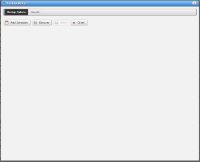
The backup/restore dialog window does not display completely.
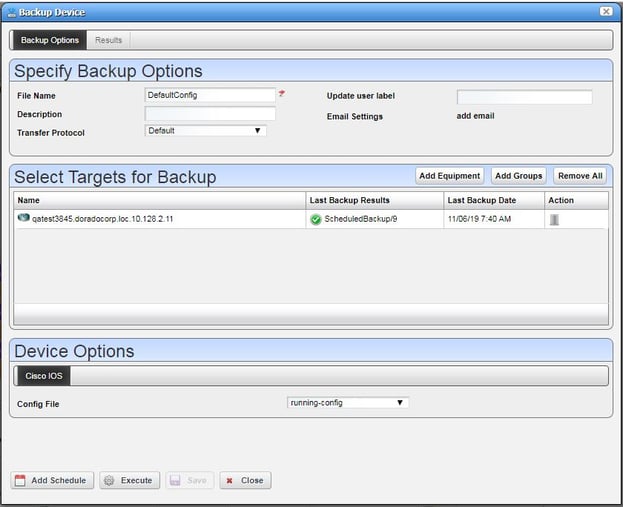
Backup/Device dialog should look like this
#1 Remove the Default Resource Filter from the DB
From and mysql command prompt run this:
Open up a command window
cmd> mysql -u root --password=dorado

mysql prompt> DELETE FROM owbusdb.rc_inv_filter where rc_inv_filter_oid = 'com.dorado.redcell.inventory.base.InvFilterData::RC_DEFAULT_RESOURCE_FILTER';
#2 Reseed the redcell.ocp component.
Source the OWARE Environment
cmd line > oware in Windows and . /etc/.dsienv in Linux

cmd line > cd $OWARE_USER_ROOT/owareapps
cmd line> ocpinstall -s redcell.ocp