![27067777_10155770309551084_2652624411171450813_n.png]](https://support.doradosoftware.com/hs-fs/hubfs/27067777_10155770309551084_2652624411171450813_n.png?height=40&name=27067777_10155770309551084_2652624411171450813_n.png)
Create a New Report
- Go to Reports > in the Reports Portlet > search for the word "alarm"
- Right-click on Illegal Alarm Report > Copy
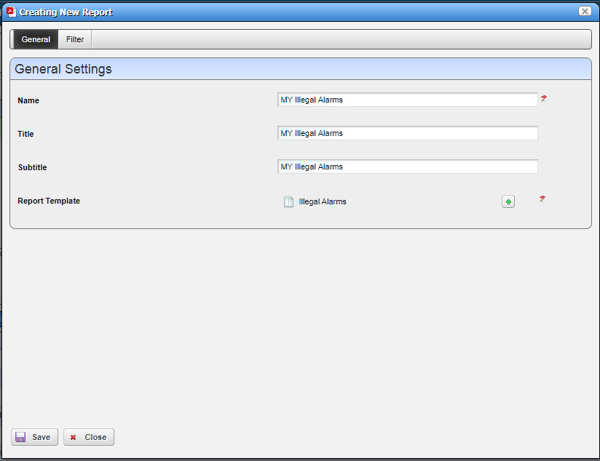
- General Tab > Update the name of the report
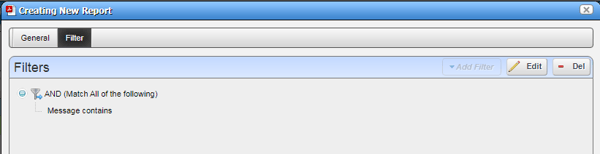
- Click on Filter Tab
- Click Edit
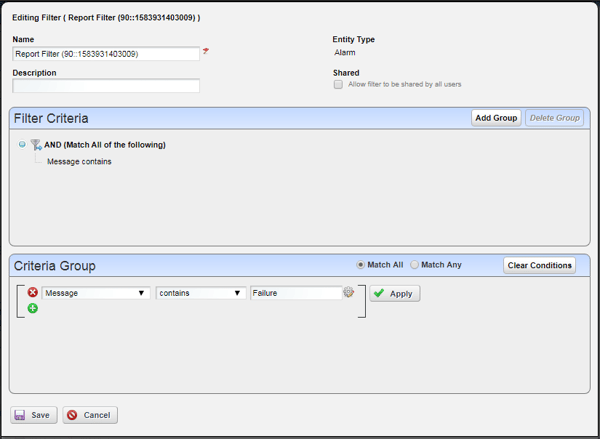
Under the Criteria Group
- Below are the options to customize your filter.
- This example will provide be a report for all messages that contain "Failure"
- Save
- Click Execute Report
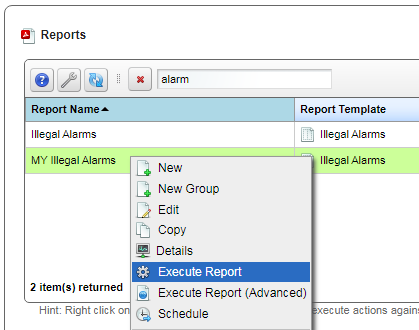
- Right-click on My Illegal Alarm > select Execute Report
- Notice at the bottom left of the screen you see a red bubble.
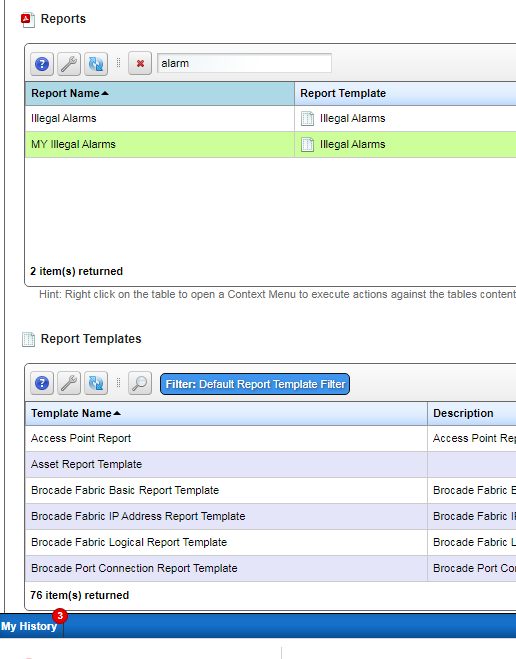
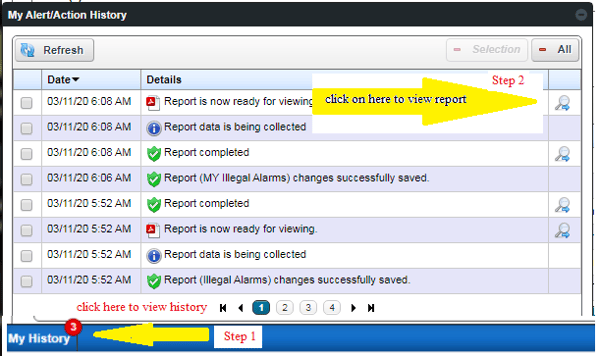
- Step 1: Click on My History
- Step 2: Click on Magnifying glass to view Report
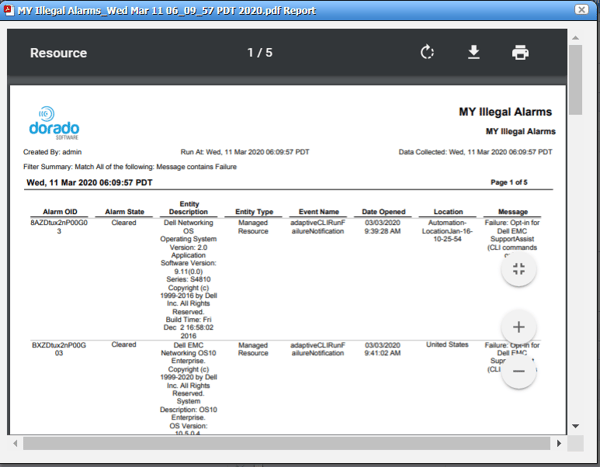
Report Output
- Notice Under the Message Column you see the work Failure