![27067777_10155770309551084_2652624411171450813_n.png]](https://support.doradosoftware.com/hs-fs/hubfs/27067777_10155770309551084_2652624411171450813_n.png?height=40&name=27067777_10155770309551084_2652624411171450813_n.png)
Please also reference these articles on How to Change IP Address:
Verify the Setup after IP Address Change for Distributed Install:
If Appserver IP was changed
Check webserver and medserver property file to make sure they point to new IP
- Webserver properties file path: ..\oware\synergy\tomcat-7.0.70\webapps\ROOT\WEB-INF\classes\portal-ext.properties
- Medserver properties file path: /owareapps/installprops/lib/installed.properties
- For cluster, since the webserver points to local apps, which is 127.0.0.1, which is specified in ..\oware\synergy\server-overrides.properties - No changes are needed on this
If DB server IP got changed
Check the Appserver and Webserver property files to make sure they point to the new IP
- Appserver properties file path: ../owareapps/installprops/lib/installed.properties
- Webserver properties file path: ..\oware\synergy\tomcat-7.0.70\webapps\ROOT\WEB-INF\classes\portal-ext.properties
If Medserver IP was changed
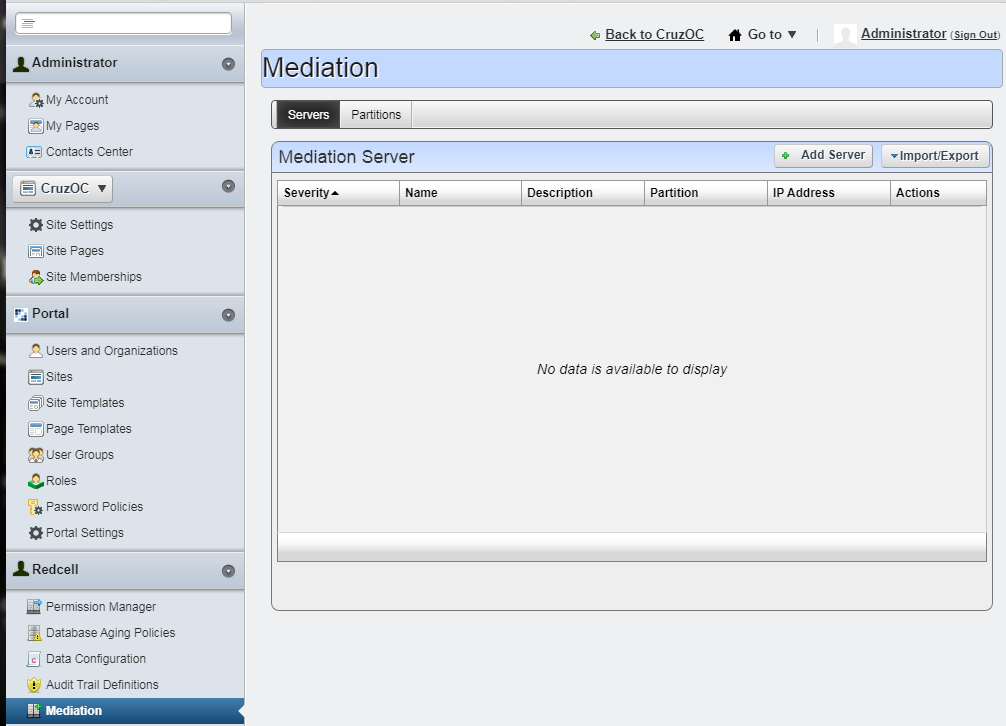
Make sure you update the Medserver IP in WebPortal's Control Panel > Mediation GUI